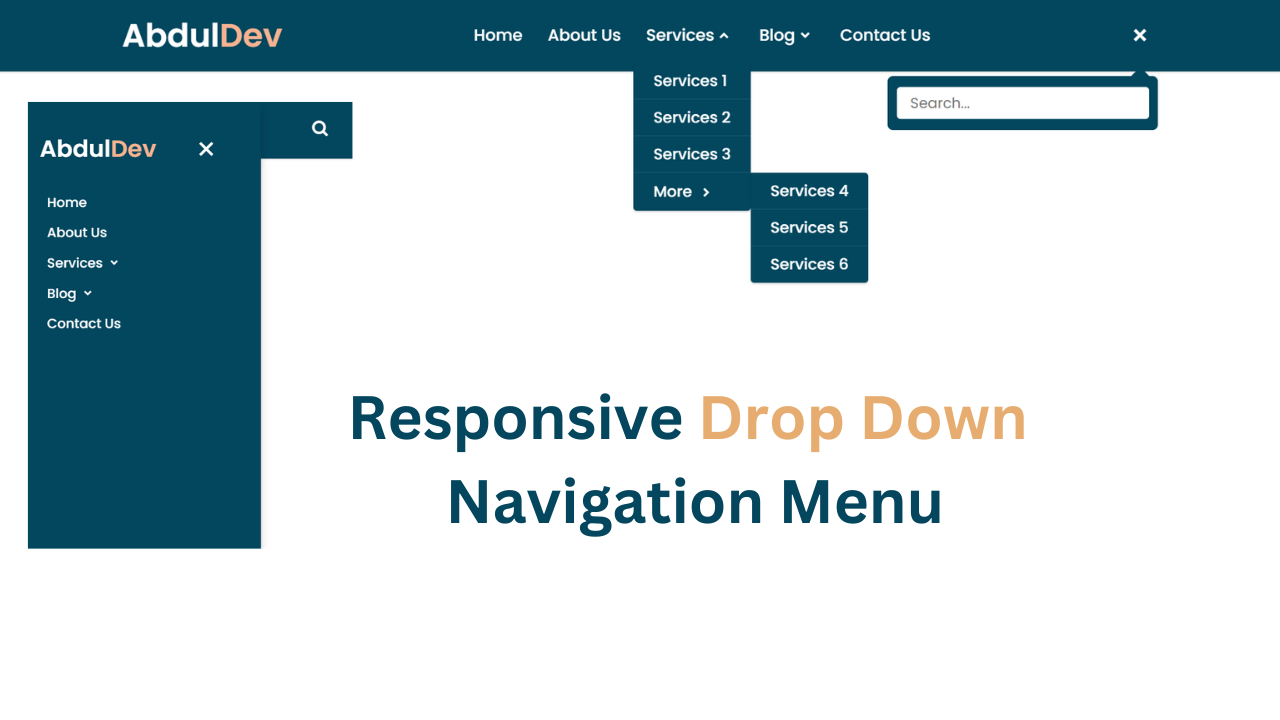
You've seen them everywhere. You hover over a "Services" link, and a tidy list of options slides into view. It feels simple. It looks clean. Yet, behind that smooth motion, developers often struggle with messy code or bloated libraries they don't actually need. If you're tired of relying on heavy JavaScript frameworks for basic navigation, learning to build a Drop Down Menu Using CSS is the single best way to slim down your codebase while keeping your site lightning fast. We’re going to look at why this approach wins every time and how you can master the logic of parent-child relationships in style sheets.
The Logic Behind a Drop Down Menu Using CSS
The core of this technique isn't magic. It's about state management. In the old days, we used jQuery to toggle classes. That's overkill now. Modern browsers handle the :hover and :focus-within pseudo-classes so well that you can manage visibility entirely through your stylesheet. The fundamental trick involves hiding a nested list by default and then revealing it when a user interacts with the parent element.
Most people fail because they don't understand the "box model" or how absolute positioning interacts with relative containers. If you don't set the parent `